Query
For Multi-Factor Authentication (MFA) the six-digit verification codes generated by my app are not working.
I receive the following error: "Invalid Token or Token mismatch"
Solution
Check the time settings on the device where the Authenticator App is installed. If the difference in time between your device and the actual time is greater than 30 seconds the code will not work.
Check your time on the device by visiting https://time.is/
Google Authenticator
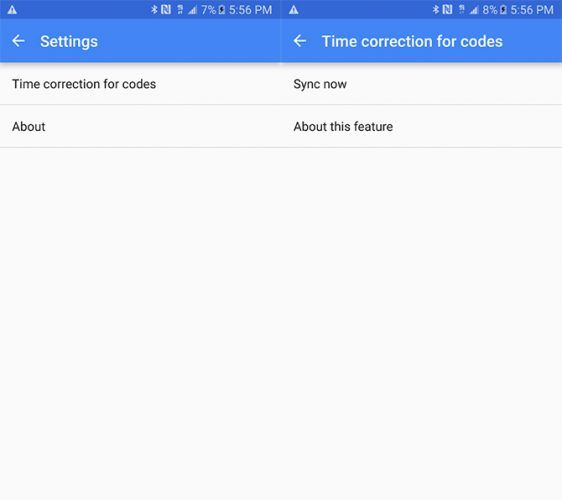
If you are using Google Authenticator, tap the Menu button (three dots), and go to Settings > Time Correction for Codes > Sync now.