Overview
The Address Usage Report shows where an address is used in CAS 360.
Instructions
| From the Main Toolbar, navigate to Reports |  |
Select Address Usage Report.
CAS 360 will display the Report Filters screen.
| Report Filters | Explanation |
|---|---|
| Report Date | Set a Date to be displayed on the report. |
| Current Addresses |
Select Select |
 to display both current addresses and historical addresses attached to a company.
 Review the Report Settings tab to display additional information for the Address Usage Report, such as contact and company address data.
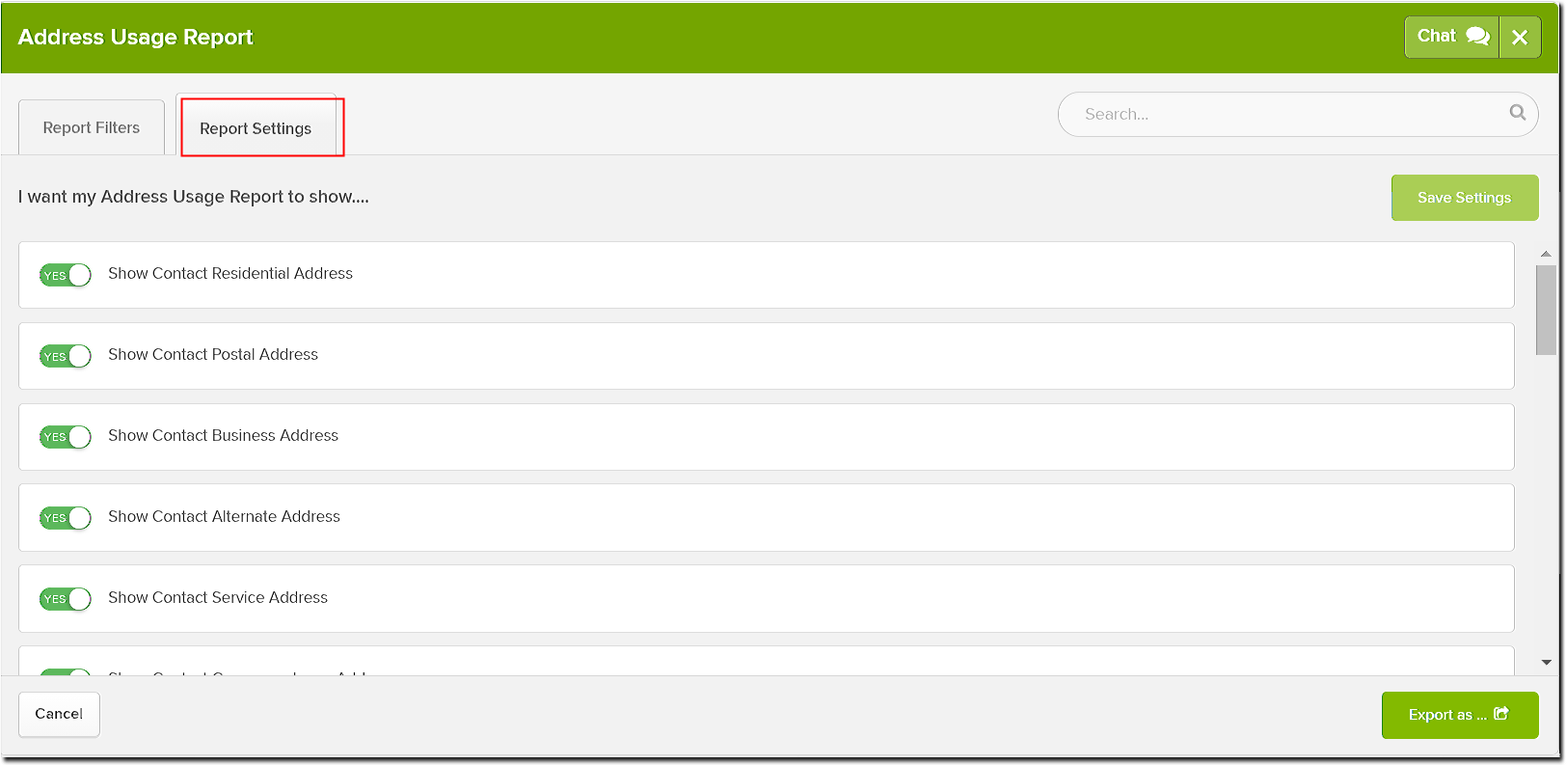
Select the toggle beside the options  to display the information on the Address Usage report.
Click  to save the selected settings as default.
Select one or multiple addresses, and click