Details
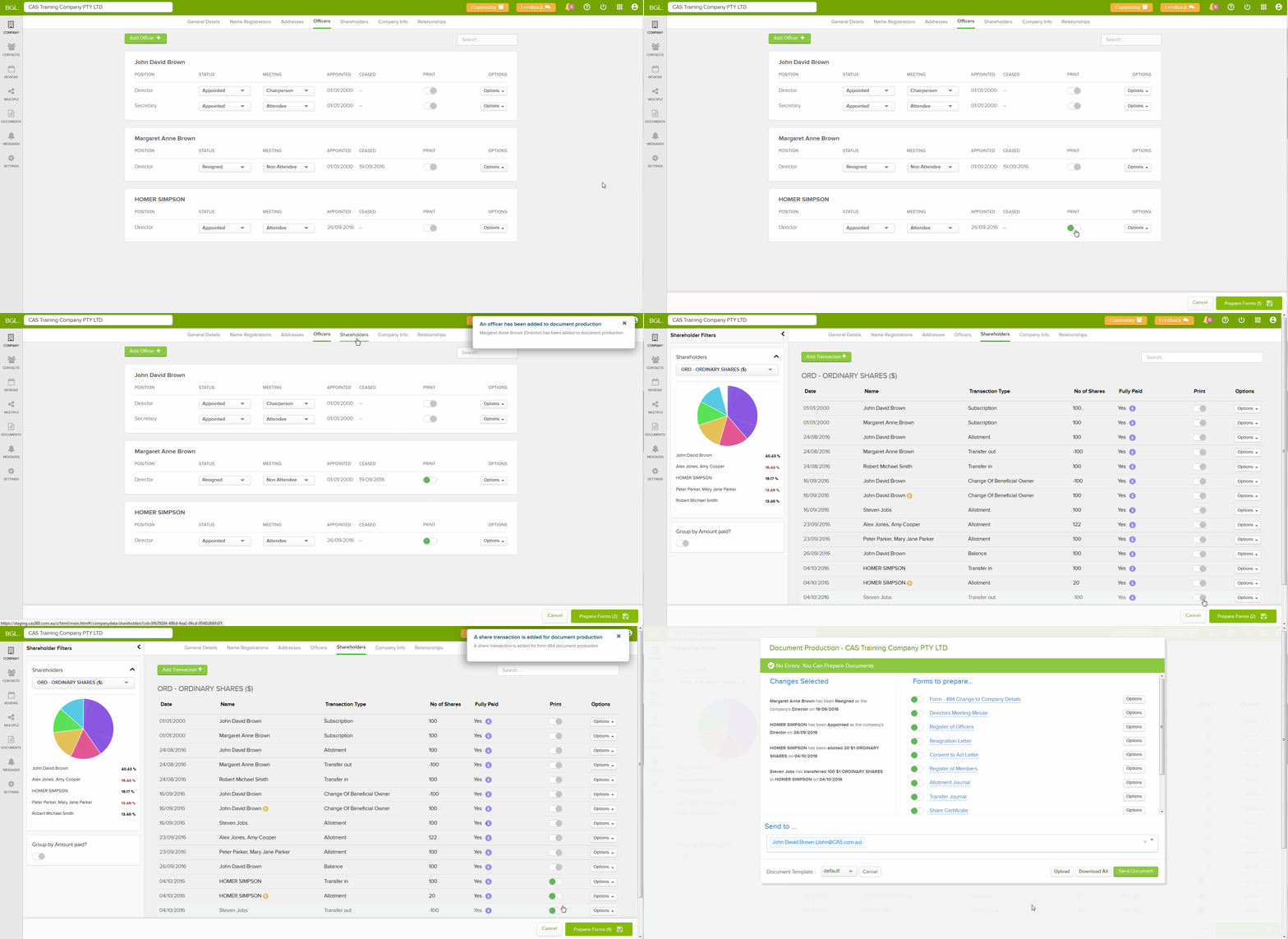
Prepare Multiple Company changes in a single document with the checkout system! CAS 360 users will be able to flag all the changes required to be prepared in a single screen!

How it works
 |
Simply flag the required changes by switching the print option beside each change. |
|
Select Prepare Forms to display the Document Production screen. |
 |
Select Cancel to turn all print options off. |
Document Production
All changes processed will be summaries on the left-hand side of Document Production.
Select Remove to remove documents related to a particular change.